
Data Cleaning and Translation Hell: The Chaotic Reality of Building a Diet Recipe App
The gates of development hell always open with grand ambitions. Early on, when I drafted the initial plan and simulated the timeline, my AI assistant, Claude, estimated it would take at least six months. However, thanks to our fantastic back-and-forth synergy, we whipped up the app’s basic skeleton in no time. At that moment, I genuinely thought I was some sort of prodigy developer. “Alright, let’s keep this momentum going and build a high-quality global diet recipe app! Let’s go!!” I was absolutely flying high. But on the frontlines of indie app development, the real terror isn’t syntax errors. It’s the “real-world data” that completely evades your control, paired with a highly inefficient workflow born from not knowing coding conventions. In this post, I’m tearing open my soul to share the grueling recipe-purification process and the tear-jerking translation blunders that ground my mental state into dust.
Grand Ambitions for Calorie Analytics, Bitter Reality of Dirty Data
When I first designed the app, my goals were massive. I wanted to fetch baseline recipes using a free public API and allow users to effortlessly plug in low-calorie, nutrient-dense meals into their daily schedules. Ambition got the upper hand, and I envisioned expanding the diet management app features to provide users with beautifully structured nutrition and calorie analytical reports at the end of each month. I was dreaming of building the ultimate, all-in-one healthcare system.
But the moment I faced the raw recipe data, my illusions shattered. The data was incomprehensibly messy. After running a Python parsing script generated by Claude to clean up the API text, what lay before me was pure chaos:
- Cooking steps completely cut off mid-sentence or riddled with typos.
- Recipes from the exact same API using entirely different measurement formats—some in grams ($g$), others in “tablespoons.”
- Chicken breast labeled as “chicken breast” in one entry and “chicken lean meat” in another, making automated database mapping impossible.
[A Beginner Developer’s Mental Breakdown]
“Claude, the data structure is completely warped. The calorie and nutrient mapping is failing… Let’s use SQL code to fix our baseline data first.”
(Claude’s response: “You’re right. Accurate analysis is impossible with data in this state. Let’s start by cross-checking the inconsistent ingredient names.”)
Ultimately, my AI assistant and I spent an entire week pulling all-nighters just on data cleaning. While juggling my Flutter self-study, I spent less time writing app code and more time hunting down bizarre ingredient names, conflicting units, broken cooking steps, and messy category tags in Supabase using SQL scripts. It was the loneliest battle of this entire solo journey.
Even so, manually auditing over 2,000 recipes was realistically impossible. Plus, I’m no Michelin-star chef who has cooked every dish on earth; when a recipe description looked slightly off, I couldn’t tell if it was actually a mistake. I realized that my grand vision—parsing every single ingredient and cooking method to automatically calculate metrics against a nutrition database—was structurally unfeasible. The terminology in the recipe data, calorie data, and nutrition data varied too wildly to map accurately.
I had to make a tough call. While calorie analytics is a “nice-to-have” feature, it wasn’t the core essence of my app. I courageously dropped the calorie and nutrition tracking and pivoted 100% of my focus toward “cleaning” the immediate recipe data. As a solo creator with limited resources, I learned that knowing what to abandon is the only way to survive.
The Pitfalls of Retrofitting a Multilingual Support App
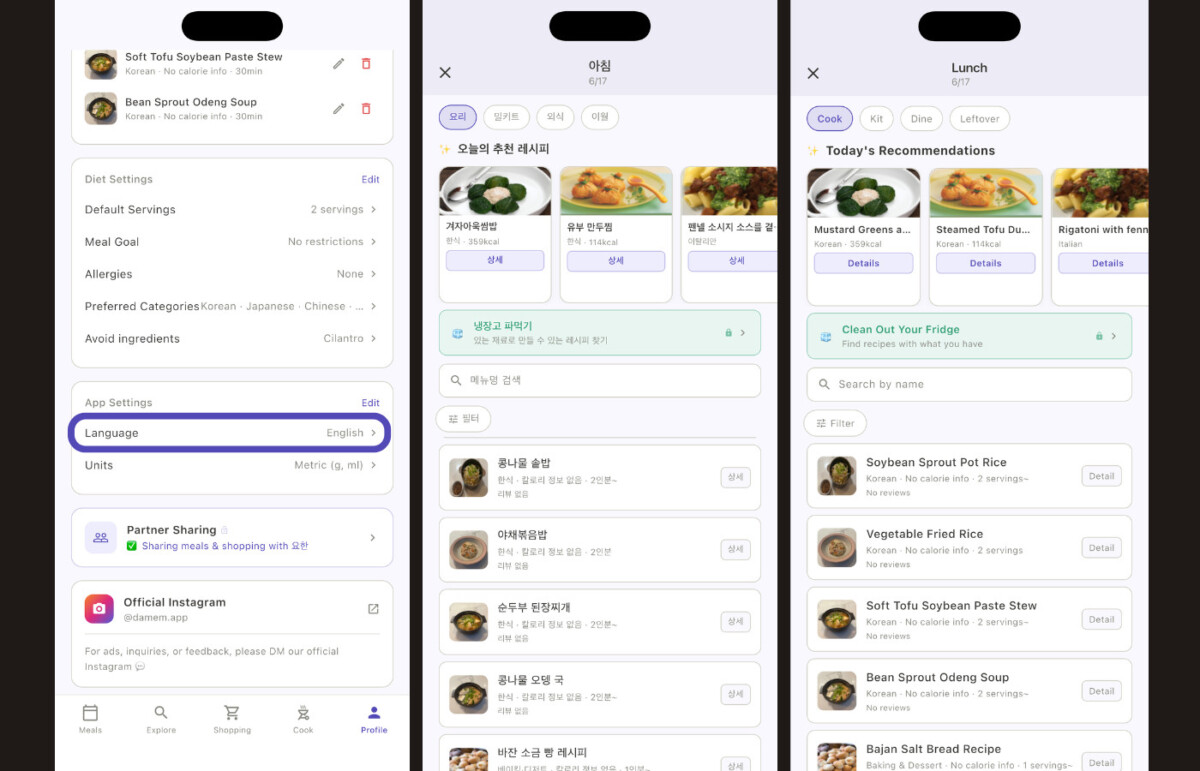
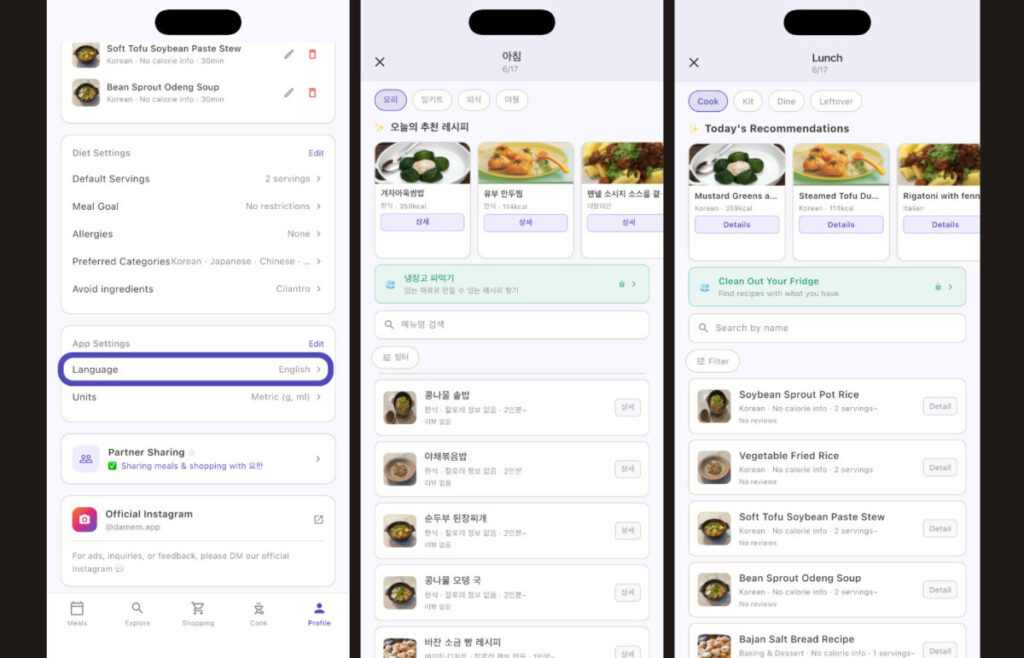
While wrestling with data purification, another massive wall blocked my path: global translation. My goal was to create a multilingual support app bridging English and Korean, allowing users worldwide to use it without borders.
When I initially asked Claude about it, the advice was, “Just build the Korean version perfectly first, and overlay the English version later.” Implementing that was an absolute nightmare. It was the epitome of inefficiency, to the point where I wanted to travel back in time and shake my past self. I even gave Claude some strong feedback—why did you let me do this?! I should have integrated localized strings from day one while building the core architecture.
Trying to insert English localization into dozens of pre-existing app files meant ripping open my codebase for a massive architectural overhaul. On top of that, every single feature test I had already passed had to be re-run from scratch on the English UI screens. Overhauling this localization system swallowed an entire week of development. I deeply regretted not asking for a multi-language structure when designing the initial AI blueprint.
The biggest hurdle, however, was the translation quality of food names and ingredients. Because culinary terms lose their entire meaning if translated literally, precision was everything. If I had approached this diet management app with proper multi-language architecture from the start, I would have avoided this massive setback.
Initially, I integrated the DeepL API, known for its premium translation quality. The performance was stellar, but pushing 2,000 full recipes through it instantly drained my lifetime free credits! The sheer volume of data took my breath away. Unable to blindly dump more money into API fees, I pivoted and built an automated translation pipeline using the Claude API instead.
Yet, AI translation wasn’t foolproof either. During manual spot-checks, I caught hilarious translation errors. For instance, it kept translating Korean tuna fish sauce (a deep, umami base broth) into anchovy fish sauce, which completely alters the flavor profile of a dish. In other instances, translating a culinary wine like Mirin to English and switching back to the native layout would randomly yield Japanese characters. I essentially became a human translation bot, endlessly looping through manual data quality checks.
Blood, Sweat, and Clean Data: The Launch of ‘Damem’
I spent one week fighting dirty data and another week battling tangled localization code and fish sauce translation glitches. The veteran developers who warned me that data cleaning is infinitely harder than actual coding were completely right. My Flutter self-study journey certainly didn’t prepare me for this specific flavor of suffering.
After surviving this grueling structural overhaul, my precious recipe diary app, ‘Damem,’ was officially launched on the App Store! I guess the old saying holds true—there really is light at the end of the tunnel.
👉 Check out ‘Damem’ on the App Store
While it isn’t flawless and some raw data still needs polishing, looking at the finalized diet recipe app interface—knowing Claude and I pulled all-nighters trading error logs to make it accessible for a global audience—makes my heart swell like a proud parent. I still can’t believe I made it to this stage without a massive corporate budget, relying purely on grit and AI support.
However, the final boss of indie app development was still waiting. I thought that once the coding, data cleaning, and translations were finished, uploading it to the stores would be a breeze. Instead, I faced the absolute purgatory of Apple and Google app store rejections. From app crashes caused by not owning an iPad to the tearful saga of gathering 12 close friends for Google’s closed testing requirement, I’ll share the final cost breakdown and store submission secrets in the final installment of this series!
Curious about how this indie development journey and planning phase all started? [Read the Previous Post (Part 2)]